
Network Services · Colorado Springs
Networks that are fast, stable and written down.
Design, cabling, WiFi, firewalls, phones and the hard-to-find faults — handled by engineers who document what they build, so the next change starts with a drawing instead of a guess.
Where do you want to start?
Most businesses come to us with one of these. They connect — the design decides the cabling, the cabling decides how the WiFi behaves, and the firewall decides whether any of it is safe to use — so whichever one you start with, the rest gets considered.
Network design & architecture
Segmentation, redundancy and capacity planned for where the business is going, not just where it is today.
- VLAN and subnet design
- Switching, routing and failover
- Azure and hybrid connectivity
- Diagrams you can hand to anyone
Cabling & business WiFi
Cat6/6A structured cabling and surveyed wireless. Every run tested, every port labeled at both ends.
- New offices and suite build-outs
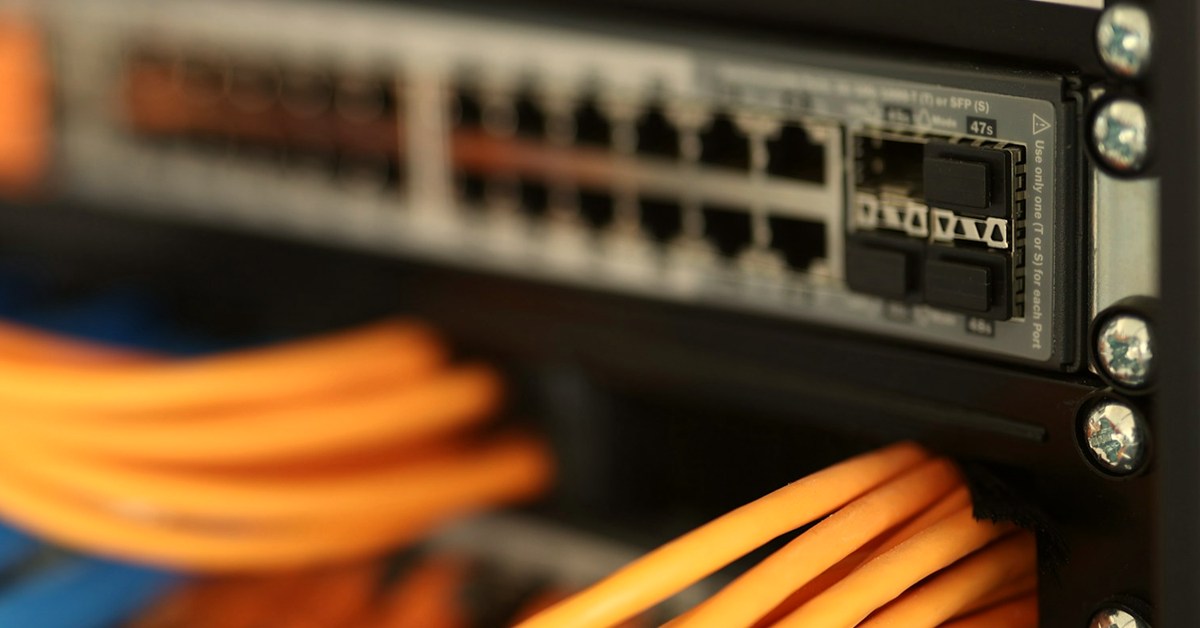
- Racks, patch panels and cable management
- WiFi surveys and access point placement
- Test results handed over in writing
Firewalls, VPN & segmentation
The protections that decide what can reach what — configured so people can still do their jobs.
- Firewall selection, install and rule review
- Remote access VPN
- Guest and IoT isolation
- Firmware kept current
Slow or dropping network
The intermittent problems another provider closed as fixed. We find the cause and put it in writing.
- Packet capture and link analysis
- WiFi interference and roaming faults
- Cable certification
- A written root-cause summary
Business phone systems
VoIP that sounds right because the network underneath it was built for it.
- Voice VLAN and QoS
- PoE switching and handsets
- Number porting coordination
- Auto-attendant and call flow
Data center remote hands
Rack and stack, cross-connects, moves and decommissioning in your colocation space or server room.
- Installations inside your change window
- Copper and fiber patching
- Rack elevations kept current
- A written report every visit
Who does the work
Certified engineers — CCNP, MCSE, Security+ and ITIL — with enterprise network experience behind them.
You work with the engineer who scopes the job, not a salesperson who hands it off. Summit Networks is service-disabled veteran-owned and based in Colorado Springs, and the work is quoted at published rates.
What you are handed at the end
- A network diagram that matches what is installed
- A port map tying every jack to a switch port and VLAN
- Cable test results for every run
- Device inventory with firmware versions
- Admin credentials, in your possession
What the documentation looks like
| Patch port | Switch port | VLAN | Location | Test |
|---|---|---|---|---|
| PP1-14 | SW1 Gi1/0/14 | 20 · staff | Suite 204, desk D3 | Cat6A pass |
| PP1-15 | SW1 Gi1/0/15 | 40 · voice | Suite 204, front desk | Cat6A pass |
| PP2-01 | SW2 Gi1/0/1 | 90 · guest AP | Conference room ceiling | PoE+ pass |
How a network project runs
What it costs
Network work is quoted as a fixed scope wherever we can price it that way, and billed at our published hourly rates when it is time-and-materials. Either way it is approved in writing first.
Not included: hardware, licensing and carrier or facility charges — each itemized on your quote before anything is ordered. See full pricing.
Frequently asked questions
We are moving offices. How far ahead should we call?
As soon as you have a signed lease — ideally 60 days out. Cabling has to happen before furniture arrives, and carrier circuits are the long pole: an internet install at a new address can take weeks that have nothing to do with us. Calling early costs nothing and usually saves the move date.
Do you work with the equipment we already have?
Yes, where it still has life in it. Part of the walkthrough is telling you what is fine to keep, what is out of support, and what is quietly causing the problem you called about. We do not replace working equipment to pad a quote.
Can you work with our existing IT provider?
Often, yes. A lot of our network work is done alongside an IT company that handles desktops and help desk but does not do infrastructure. We will coordinate with them and hand over the documentation at the end.
Who owns the equipment and the passwords?
You do. Everything is bought in your name, the admin credentials are yours, and the documentation is handed over. There is no scenario where leaving us means leaving your network behind.
Do you cover ongoing support after the install?
You can call us hourly whenever you need us, with no contract, or move to a managed IT plan that includes monitoring and patching from $79 per user per month.
Where we work
On site across the Front Range, and remote anywhere it makes more sense than a drive.

Colorado Springs
El Paso County

Teller County
Including Florissant, Woodland Park, Monument and Divide.
Get a network estimate
Tell us what you are building or what is broken. You will get a preliminary range in minutes.
Thanks — that is on its way.
Your preliminary estimate is being prepared and will arrive by email within a few minutes. If anything is urgent, call 719-451-1218 and you will reach us straight away.