
Network Installation · Colorado Springs
Cabling and WiFi, working on move-in day.
New office, new suite, or a wiring closet nobody can make sense of. We plan backward from your date, test every run, label every port, and leave you a diagram that matches what is actually in the walls.
Cat6/6A done right
Proper terminations and testing, not just cable pulled and hoped for.
Documented, not guessed
Every install leaves you a labeled panel and a diagram that matches reality.
WiFi surveyed, not eyeballed
Coverage planned around your actual space, not a router in the corner.
Built around your timeline
Office moves and expansions scheduled around your real cutover date.
Who does the work
Certified engineers — CCNP, MCSE, Security+ and ITIL — with enterprise network experience behind them.
They plan your install, and you talk to them while it happens — not a franchise dispatcher or a call center. Summit Networks is service-disabled veteran-owned and based in Colorado Springs.
What you are handed at the end
- Every port labeled at both ends
- Every run tested before handover
- A diagram that matches what is actually in the walls
- The cable and jacket rating used, in writing
- A written price, approved before any work starts
What cabling costs
Typical prices, so you can budget before anyone visits. A drop is one cable run from your network cabinet to one outlet, access point or camera.
Every drop includes cable at the jacket rating your space requires, the jack and faceplate, termination at the patch panel, labels at both ends and a test before handover. Quoted separately: switches, WiFi access points, patch panels, racks and cabinets — itemized on your written quote before anything is bought.
Two typical jobs
How these are built: roughly 1 to 1¾ hours per drop at our published $175/hour project rate, plus materials. Where your job lands in the range depends on run length, ceiling access and how many drops share a route.
What we install
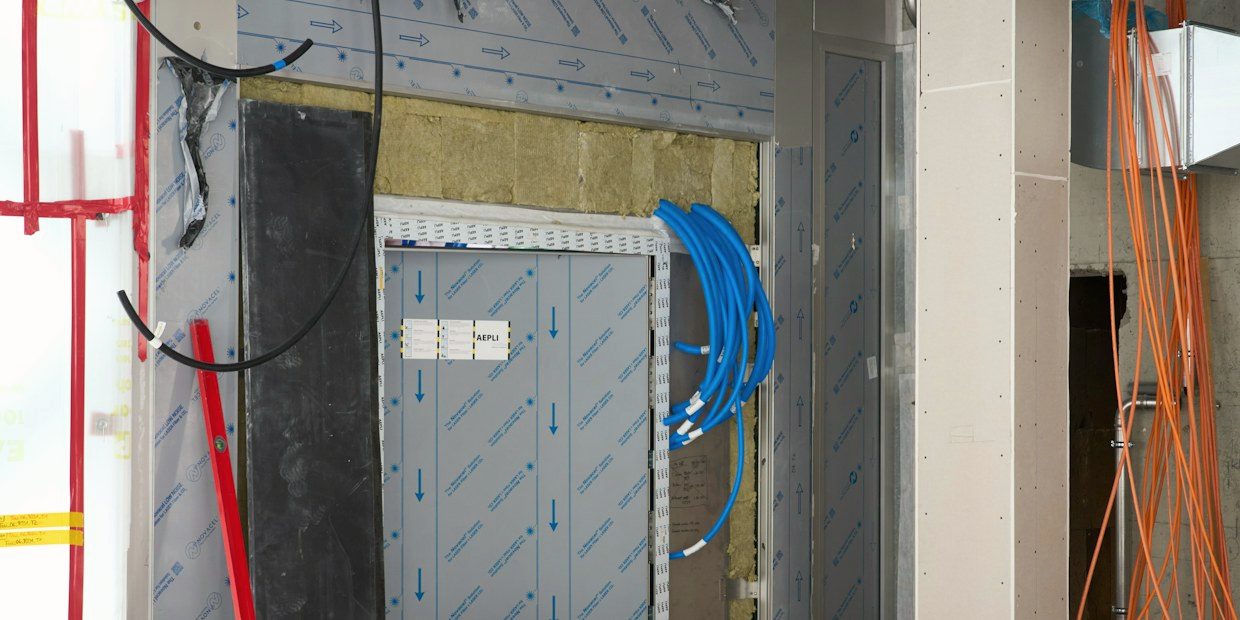
Physical and wireless infrastructure, done to a standard you can hand to the next engineer.
- Structured cabling — Cat6/6A runs, terminations, patch panels
- Business WiFi surveyed and placed for coverage, not guessed
- Office network setup — switching, routing, VLANs, guest networks
- Server and comms rooms racked, labeled and tidy
- Office moves and expansions planned around your actual cutover date
- Documentation — labeled panels and a diagram that matches reality
Which cable, and why it matters
Most quotes say “Cat6” and leave it there. The category decides what the run will still carry in eight years, how much heat it takes when it is powering an access point, and whether it passes inspection in a ceiling void. Here is what we install and when.
- Cat5eNot installed new
- Bandwidth
- 100 MHz
- Speed
- 1 Gbps
- Max run
- 100 m
- PoE
- PoE, PoE+
Only where we are extending or re-terminating cabling you already have. Fine for desks and phones.
- Cat6Our default · desk outlets
- Bandwidth
- 250 MHz
- Speed
- 1 Gbps
- Max run
- 100 m
- PoE
- PoE++
The sensible floor for a new office. Carries 10 Gbps on runs up to 55 m if you need it later.
- Cat6AOur default · APs & uplinks
- Bandwidth
- 500 MHz
- Speed
- 10 Gbps
- Max run
- 100 m
- PoE
- PoE++, coolest
Thicker jacket and better heat behavior under power. Still adequate when WiFi 7 arrives.
- OM4 multimode fiberSite to site
- Bandwidth
- —
- Speed
- 10–100 Gbps
- Max run
- 400 m
- PoE
- Not applicable
Between comms rooms, floors or buildings on one site — wherever copper cannot reach.
- Single-mode fiberLong haul
- Bandwidth
- —
- Speed
- 10–100 Gbps+
- Max run
- Kilometers
- PoE
- Not applicable
Campus links and carrier hand-offs. Overkill inside one building, essential between two.
Jacket rating is a code question, not a preference. Anything run through a plenum — the air-handling space above a suspended ceiling — needs plenum-rated (CMP) cable. Riser-rated (CMR) is cheaper and is the wrong answer there. We quote the rating the space actually requires and tell you which one we are using.
Shielded or unshielded? Unshielded is right for the overwhelming majority of offices. Shielded cable earns its cost near lift motors, welding bays, large VFDs or heavy machinery, and only if it is properly bonded and grounded at both ends — badly grounded shielded cable performs worse than good unshielded. If your site needs it we will say so, and if it does not we will not sell it to you.
Why labeling matters
A clean, labeled patch panel saves more time over its life than almost any other five minutes of cable work. Every install we do is documented, whether or not we are the ones maintaining it afterwards.
Frequently asked questions
Can you work around our move-in date instead of your schedule?
Yes — most network installs are timed around a cutover, lease start, or move date. Tell us the date and we plan backward from it.
How much does a network drop cost?
Typically $225–$350 per Cat6 drop and $350–$475 per Cat6A drop, including cable, jack, termination, labeling and testing. Switches, access points and racks are quoted separately. See the full price guide.
Do you only do new construction, or can you fix an existing mess?
Both. A lot of our work is untangling and relabeling an existing wiring closet nobody trusts anymore, not just greenfield builds.
What is included in “documentation”?
A labeled patch panel, a diagram that matches what is actually installed, and a handoff you could give to any other engineer without a walkthrough.
Where we work
On site across the Front Range, and remote anywhere it makes more sense than a drive.

Colorado Springs

El Paso County

Teller County
Including Florissant, Woodland Park, Monument and Divide.
Get a cabling or network estimate
Tell us the site, rough drop count and timeline. You will get a preliminary range in minutes.
Thanks — that is on its way.
Your preliminary estimate is being prepared and will arrive by email within a few minutes. If anything is urgent, call 719-451-1218 and you will reach us straight away.